Menu
Home
Post Something
Forums
Current Activity
New posts
Search forums
What's new
New posts
Latest activity
News & Features
The Marketplace
Cars for Sale
Engine and Performance
Chassis and Wheels
Exterior and Body
Interior and Cockpit
ICE - In Car Entertainment
Car Shops and Services
Toys and Wares
All Other Stuff
Jobs and Vacancies
Looking For
Members
Log in
Register
What's new
Search
Search
Search titles only
By:
Current Activity
New posts
Search forums
Menu
Log in
Register
Reply to thread
See what others are reading now! Try Forums >
Current Activity
Home
Forums
Main Forums
General Talk
Anyone can gimme the solution for this?
JavaScript is disabled. For a better experience, please enable JavaScript in your browser before proceeding.
You are using an out of date browser. It may not display this or other websites correctly.
You should upgrade or use an
alternative browser
.
Message
<blockquote data-quote="Seraph" data-source="post: 143419" data-attributes="member: 3427"><p>okay okay....</p><p></p><p>this is one of the MAJOR fixes in Windows XP SP2</p><p></p><p>in WinXP SP1</p><p>1. if you're using IDE ATA HDD</p><p>2. using slower speed 40pin hdd cable instead of 80pin</p><p>3. if you formatted the filesystem to NTFS and installed WinXP SP1, WinXP beta or WinXP Gold (original pre-SP1)</p><p></p><p>It comes down to an inconsistency on how the IDE specification handles caching. What most likely has happened is that the NTFS transaction logfile ($logfile) has become out of sync with the drive. This happens when the OS performs write</p><p>through caching and the drive instead holds the data on its hardware cache and then tries to write it out in a non-deterministic method. This becomes a problem when there is a surprise shutdown and the hardware cache is flushed before it is written to the drive.</p><p></p><p>When booting up to Win XP you may get a error that reads "Unmountable Boot Volume". This is probably because your boot.ini file is messed up.</p><p></p><p>So, what do you do about it, panic and try to mount your boot in your computer...... No that is probably not a good idea. </p><p></p><p>You can boot to the XP cd and when you see the Welcome to setup press the letter R</p><p>You will get a dos prompt</p><p>Then type "chkdsk /p" without the quotes and hit enter</p><p>When that is done type "fixboot" and hit enter</p><p>"Y" and enter at the prompt</p><p>Then type "exit" and hit enter</p><p>The system will now reboot into Windows </p><p></p><p>If for some reason that don't work for you, you can boot to the recovery console like above and...</p><p>Type "chkdsk /r" then enter</p><p>When done type "exit" and hit enter.</p><p>This will take longer, but the system should boot back into Windows.</p><p></p><p>http://support.microsoft.com/default.aspx?scid=kb;en-us;Q315403</p><p></p><p>I hope its all clear to you all now its NOTHING to do with overclockings and other idiotic stuff. Its a in-built problem with the original Windows XP, so patch it up with SP2 ;)</p></blockquote><p></p>
[QUOTE="Seraph, post: 143419, member: 3427"] okay okay.... this is one of the MAJOR fixes in Windows XP SP2 in WinXP SP1 1. if you're using IDE ATA HDD 2. using slower speed 40pin hdd cable instead of 80pin 3. if you formatted the filesystem to NTFS and installed WinXP SP1, WinXP beta or WinXP Gold (original pre-SP1) It comes down to an inconsistency on how the IDE specification handles caching. What most likely has happened is that the NTFS transaction logfile ($logfile) has become out of sync with the drive. This happens when the OS performs write through caching and the drive instead holds the data on its hardware cache and then tries to write it out in a non-deterministic method. This becomes a problem when there is a surprise shutdown and the hardware cache is flushed before it is written to the drive. When booting up to Win XP you may get a error that reads "Unmountable Boot Volume". This is probably because your boot.ini file is messed up. So, what do you do about it, panic and try to mount your boot in your computer...... No that is probably not a good idea. You can boot to the XP cd and when you see the Welcome to setup press the letter R You will get a dos prompt Then type "chkdsk /p" without the quotes and hit enter When that is done type "fixboot" and hit enter "Y" and enter at the prompt Then type "exit" and hit enter The system will now reboot into Windows If for some reason that don't work for you, you can boot to the recovery console like above and... Type "chkdsk /r" then enter When done type "exit" and hit enter. This will take longer, but the system should boot back into Windows. http://support.microsoft.com/default.aspx?scid=kb;en-us;Q315403 I hope its all clear to you all now its NOTHING to do with overclockings and other idiotic stuff. Its a in-built problem with the original Windows XP, so patch it up with SP2 ;) [/QUOTE]
Insert quotes…
Verification
Post reply
The Marketplace Latest
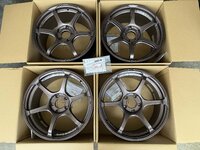
BRAND NEW original rare Yokohama ADVAN Racing RG4...
Started by
david tao
Chassis and Wheels
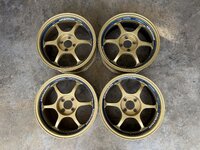
original rare Yokohama ADVAN Racing RZ2 RZii...
Started by
david tao
Chassis and Wheels
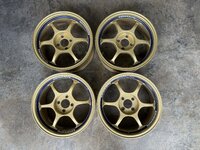
original rare Yokohama ADVAN Racing RG 16x7jj...
Started by
david tao
Chassis and Wheels
original rare Yokohama ADVAN Racing RG 16x7jj...
Started by
david tao
Chassis and Wheels
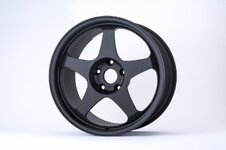
original rare Rays Volk Racing TE37SL 18x9jj offset...
Started by
david tao
Chassis and Wheels
Spoon Sw388 18x10J+40 5H120 Rim Rims Civic FL5 Type R
Started by
aycy
Chassis and Wheels
Spoon Crane Neck Wing Carbon Spoiler GT Wing Honda...
Started by
aycy
Exterior and Body
Honda Jazz/Fit GK Mugen body kit
Started by
jeff6126
Exterior and Body
original TWS Taneisya P1 racing 17x8.5jj offset +28...
Started by
david tao
Chassis and Wheels
original rare Rays Volk Racing CE28RT 18x9jj offset...
Started by
david tao
Chassis and Wheels
Posts refresh every 5 minutes
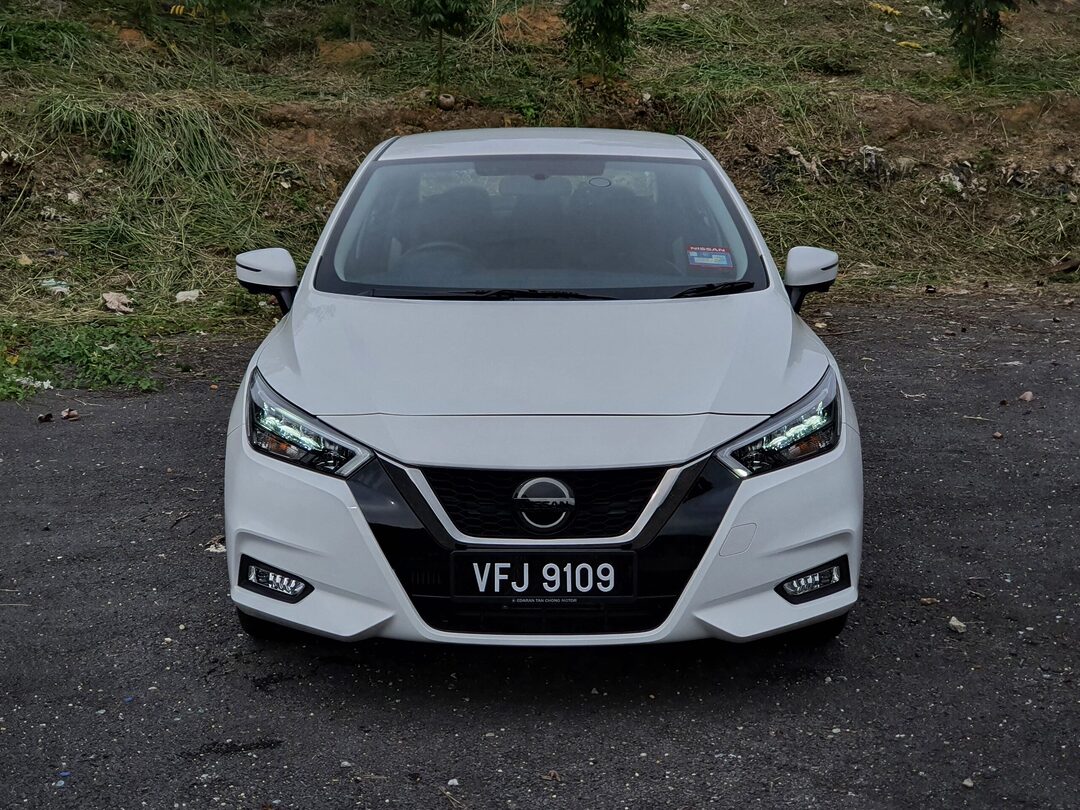
Review: 2020 Nissan Almera Turbo VLT
100ps / 152nm / 999cc 3 cylinder turbo / CVT / FWD / 1076kg / 180kmh / Almera VL RM83,888 SST RM79,906 / Almera VLP...
Need advise on converted lancers
hi guys,i really need help from all the sifus and owner out there.My name is Meor,i am a 29 male from kL who's been drooling for quite some time for an evo car,previously owned a honda jazz v-tec and satria neo.Now...
VeilSide Mazda RX-7 Fortune Model in Dubai
this is way too hot!! hope u guys like it =)
http://videos.streetfire.net/video/VeilSide-Mazda-RX7-Model_646487.htm
Recent Posts
2026 Vios HEV launched with Local Battery Assembly - UMW Toyota Motor
Started by
The_Mechanic
News and Features
SPPF: The Future of Automotive Surface Protection - A Technical Overview
Started by
The_Mechanic
News and Features
Upping Wira 1.5 MMC performance
Started by
Nyfka
Car Modification
Volvo Malaysia Launches Locally Assembled ES90 Electric Sedan
Started by
The_Mechanic
News and Features
AMPANG mari!!ZTH member
Started by
shahaff_07
Groups and Meets
Search
Online now
Enjoying Zerotohundred?
Log-in
for an ad-less experience
Home
Forums
Main Forums
General Talk
Anyone can gimme the solution for this?