Menu
Home
Post Something
Forums
Current Activity
New posts
Search forums
What's new
New posts
Latest activity
News & Features
The Marketplace
Cars for Sale
Engine and Performance
Chassis and Wheels
Exterior and Body
Interior and Cockpit
ICE - In Car Entertainment
Car Shops and Services
Toys and Wares
All Other Stuff
Jobs and Vacancies
Looking For
Members
Log in
Register
What's new
Search
Search
Search titles only
By:
Current Activity
New posts
Search forums
Menu
Log in
Register
Reply to thread
See what others are reading now! Try Forums >
Current Activity
Home
Forums
Main Forums
General Talk
What is a BIOS Beep Codes?
JavaScript is disabled. For a better experience, please enable JavaScript in your browser before proceeding.
You are using an out of date browser. It may not display this or other websites correctly.
You should upgrade or use an
alternative browser
.
Message
<blockquote data-quote="sakuraguy" data-source="post: 2679977" data-attributes="member: 6441"><p>What is a BIOS Beep Codes?</p><p></p><p>When you power on a computer the BIOS immediately takes control of the computer and performs the P.O.S.T (Power On Self Test). At the end of the POST the computer will play an audible 'BEEP' through either the PC's internal speaker of through speakers attached to the sound card (if you have a built-in sound chip). If the POST completed successfully without detecting any problems with then system will play a single short beep to let you know the test is complete and the computer will continue to startup and load the operating system. </p><p>If during the POST the BIOS detects a problem it will normally display a visual error message on the monitor explaining what the problem is. However, if a problem is detected before the BIOS initializes the video card, or a video card is not present or not detected then the BIOS will play several 'BEEPS' through the speaker to let you know there is a problem. Depending on the type of the BIOS you have the BIOS may play beeps in a specific pattern to indicate what the problem is, or play the same beep a number of times indicating the problem. It is very important that you pay close attention to the number and/or pattern of the beeps your computer plays on startup.</p><p></p><p></p><p>Below is a table of the most common AMI, Phoenix and Award BIOS beep codes. </p><p></p><p>AMI (American Megatrends International) BIOS Beep Codes.</p><p></p><p>AMI BIOS uses beeps of the same length and pitch. The error is displayed as a number of beeps. For example, 4 beeps indicated a timer failure.</p><p></p><p>http://img339.imageshack.us/img339/443/bios1hv3.gif</p><p></p><p></p><p>Award BIOS Beep Codes</p><p></p><p>Award BIOS uses beeps of varying duration. A long beep will typically last for 2 seconds while a short beep will last only 1 second. Award BIOS also uses beeps of different frequency to indicate critical errors. If an Award BIOS detects that the CPU is overheating it may play a high pitched repeating beep while the computer is running. </p><p></p><p>http://img245.imageshack.us/img245/4052/bios2jy4.gif</p><p></p><p></p><p>Phoenix BIOS Beep Codes</p><p></p><p>Phoenix BIOS uses beep code patterns to indicate problems. In the table below the '-' indicates a brief pause between beeps.</p><p></p><p>Example: 1 - 1 - 2 would sound like BEEP BEEP BEEP BEEP</p><p></p><p>http://img245.imageshack.us/img245/1536/bios3ui1.gif</p><p></p><p></p><p>Source: http://www.amptron.com/html/bios.beepcodes.html</p><p></p><p><strong>SakuraGuy</strong></p><p>Zerotohundred.Com</p></blockquote><p></p>
[QUOTE="sakuraguy, post: 2679977, member: 6441"] What is a BIOS Beep Codes? When you power on a computer the BIOS immediately takes control of the computer and performs the P.O.S.T (Power On Self Test). At the end of the POST the computer will play an audible 'BEEP' through either the PC's internal speaker of through speakers attached to the sound card (if you have a built-in sound chip). If the POST completed successfully without detecting any problems with then system will play a single short beep to let you know the test is complete and the computer will continue to startup and load the operating system. If during the POST the BIOS detects a problem it will normally display a visual error message on the monitor explaining what the problem is. However, if a problem is detected before the BIOS initializes the video card, or a video card is not present or not detected then the BIOS will play several 'BEEPS' through the speaker to let you know there is a problem. Depending on the type of the BIOS you have the BIOS may play beeps in a specific pattern to indicate what the problem is, or play the same beep a number of times indicating the problem. It is very important that you pay close attention to the number and/or pattern of the beeps your computer plays on startup. Below is a table of the most common AMI, Phoenix and Award BIOS beep codes. AMI (American Megatrends International) BIOS Beep Codes. AMI BIOS uses beeps of the same length and pitch. The error is displayed as a number of beeps. For example, 4 beeps indicated a timer failure. http://img339.imageshack.us/img339/443/bios1hv3.gif Award BIOS Beep Codes Award BIOS uses beeps of varying duration. A long beep will typically last for 2 seconds while a short beep will last only 1 second. Award BIOS also uses beeps of different frequency to indicate critical errors. If an Award BIOS detects that the CPU is overheating it may play a high pitched repeating beep while the computer is running. http://img245.imageshack.us/img245/4052/bios2jy4.gif Phoenix BIOS Beep Codes Phoenix BIOS uses beep code patterns to indicate problems. In the table below the '-' indicates a brief pause between beeps. Example: 1 - 1 - 2 would sound like BEEP BEEP BEEP BEEP http://img245.imageshack.us/img245/1536/bios3ui1.gif Source: http://www.amptron.com/html/bios.beepcodes.html [B]SakuraGuy[/B] Zerotohundred.Com [/QUOTE]
Insert quotes…
Verification
Post reply
The Marketplace Latest
BRAND NEW original rare Yokohama ADVAN Racing RG4...
Started by
david tao
Chassis and Wheels
original rare Yokohama ADVAN Racing RZ2 RZii...
Started by
david tao
Chassis and Wheels
original rare Yokohama ADVAN Racing RG 16x7jj...
Started by
david tao
Chassis and Wheels
original rare Yokohama ADVAN Racing RG 16x7jj...
Started by
david tao
Chassis and Wheels
original rare Rays Volk Racing TE37SL 18x9jj offset...
Started by
david tao
Chassis and Wheels
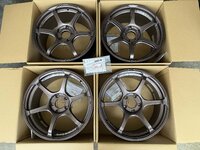
Spoon Sw388 18x10J+40 5H120 Rim Rims Civic FL5 Type R
Started by
aycy
Chassis and Wheels
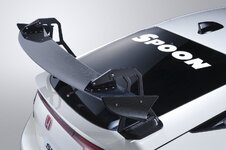
Spoon Crane Neck Wing Carbon Spoiler GT Wing Honda...
Started by
aycy
Exterior and Body
Honda Jazz/Fit GK Mugen body kit
Started by
jeff6126
Exterior and Body
original TWS Taneisya P1 racing 17x8.5jj offset +28...
Started by
david tao
Chassis and Wheels
original rare Rays Volk Racing CE28RT 18x9jj offset...
Started by
david tao
Chassis and Wheels
Posts refresh every 5 minutes

inspector
i'm considering to buy a used 350z, anybody to recommend who can help to inspect the car condition? fee?
Video: We drive a Formula BMW FB02 at the Formula Xperience by Petronas Motorsport
A couple weeks ago, Tom and I got invited to attend Formula Xperience, organised by Petronas Motorsport. The objective was to trash...
Malaysia's Hakusoka Skyline
Very2 surprise!!! There are few Hakusoka Owners in this ZtH I been told. Being the Skyliner, we should welcome and dedicate a special section in this forum for such a special car like Hakusoka. Without the 1st...
Recent Posts
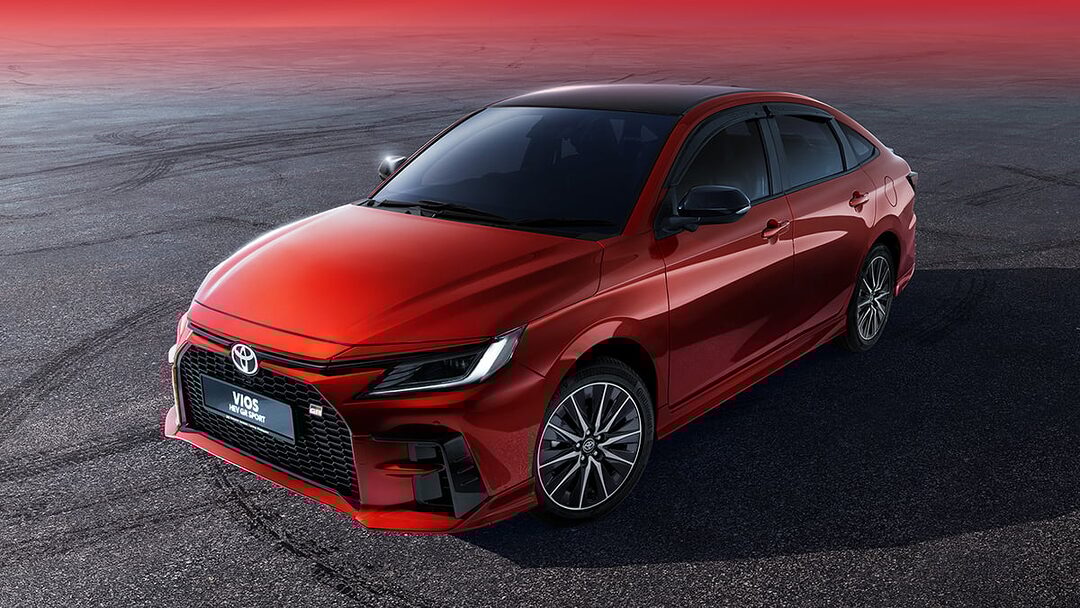
2026 Vios HEV launched with Local Battery Assembly - UMW Toyota Motor
Started by
The_Mechanic
News and Features
SPPF: The Future of Automotive Surface Protection - A Technical Overview
Started by
The_Mechanic
News and Features
Upping Wira 1.5 MMC performance
Started by
Nyfka
Car Modification
Volvo Malaysia Launches Locally Assembled ES90 Electric Sedan
Started by
The_Mechanic
News and Features
AMPANG mari!!ZTH member
Started by
shahaff_07
Groups and Meets
Search
Online now
Enjoying Zerotohundred?
Log-in
for an ad-less experience
Home
Forums
Main Forums
General Talk
What is a BIOS Beep Codes?